

Meta Description
Automate customer inquiries for small businesses in 2026 using AI tools and chatbots. Learn how to respond faster, save time, and improve customer experience.
Introduction
If you run a small business, handling customer inquiries can quickly become overwhelming.
Your phone keeps buzzing. Messages keep coming in—emails, DMs, WhatsApp. Customers are constantly asking questions.
Most of these questions are simple:
- What’s the price?
- Is this available?
- What are your working hours?
Individually, they don’t take much time. But together, they can consume a large part of your day.
This is where automating customer inquiries becomes essential.
Automation doesn’t replace human interaction—it ensures your customers get quick, consistent responses without you needing to be available all the time.
Why Automating Customer Inquiries Is Essential for Small Businesses
Speed matters in customer communication.
When you respond quickly, customers are more likely to trust your business and make a decision. Delayed responses often lead to lost opportunities.
Automating customer inquiries helps you:
- Respond instantly to every message
- Maintain consistent communication
- Reduce manual workload
- Improve overall customer experience
In 2026, fast response times are no longer optional—they’re expected.
Identify and Automate Frequently Asked Customer Questions
The first step in customer inquiry automation is simple: identify common questions.
You’ll start noticing patterns like:
- Pricing details
- Product or service availability
- Business hours
- Location or delivery options
Once you list these questions, create ready-to-use automated responses.
This becomes the foundation of your automation system.
Use AI to Generate Smart and Natural Responses
Basic automation sends fixed replies. But AI makes your responses smarter.
Tools like ChatGPT can generate natural, human-like replies instead of robotic messages.
For example:
- Adjust tone based on the query
- Provide slightly varied responses
- Sound more conversational
This improves the customer experience while still saving time.
Create Automated Workflows to Handle Customer Messages
To make automation work smoothly, you need connected systems.
Whenever a customer sends a message or fills out a form, your system should respond automatically.
Platforms like Zapier help you connect apps and build these workflows.
https://zapier.com/blog/what-is-workflow-automation/
A simple workflow looks like this:
- Customer sends a message
- System identifies the query
- Automated response is sent instantly
These workflows remove manual effort and ensure no message is missed.
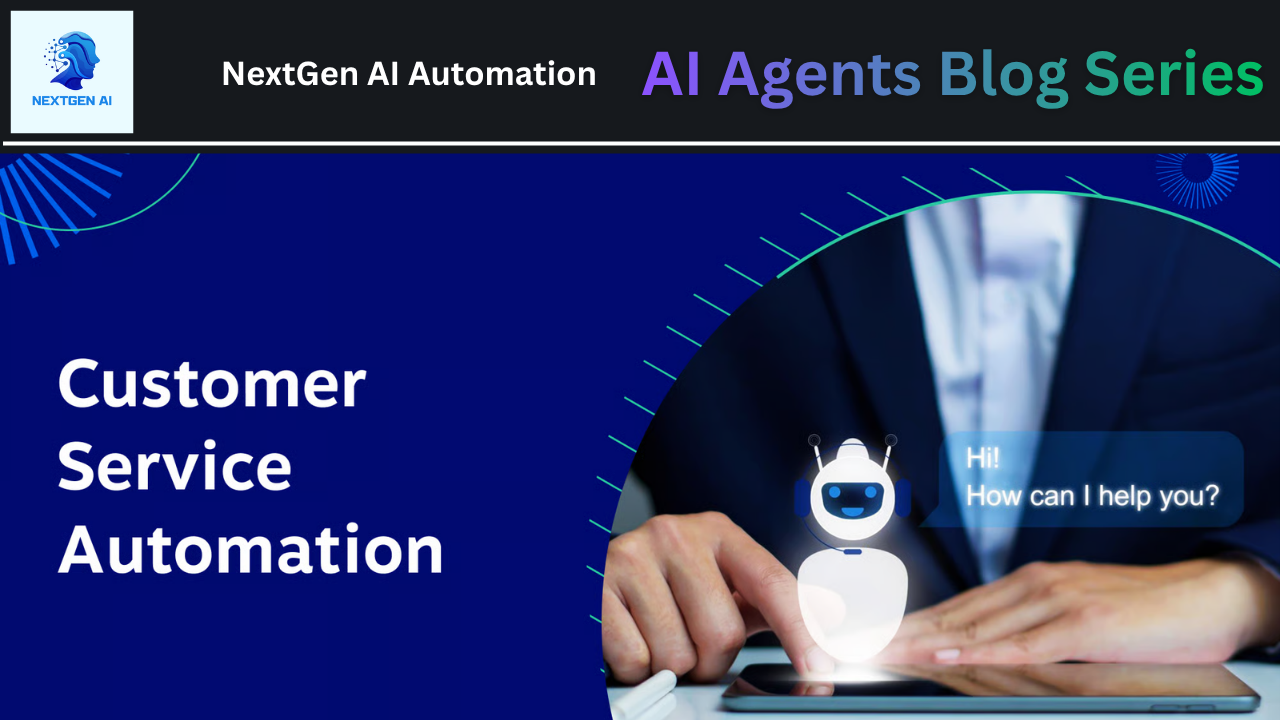
Use Chatbots to Provide 24/7 Customer Support
One of the biggest advantages of automating customer inquiries is availability.
Chatbots allow your business to respond at any time—day or night.
They can:
- Answer basic questions instantly
- Collect customer details
- Direct complex queries to you
Even when you’re offline, your business stays responsive.
How to Personalize Automated Customer Responses
Automation doesn’t have to feel robotic.
You can make your responses feel personal by:
- Using the customer’s name
- Customizing replies based on queries
- Adding a friendly and conversational tone
The goal is to combine efficiency with a human touch.
When to Use Human Support Instead of Automation
Automation works best for repetitive and simple questions.
But some situations require a personal response:
- Customer complaints
- Complex inquiries
- High-value clients
Think of automation as the first layer, not the entire communication system.
Common Mistakes to Avoid in Customer Automation
One of the biggest mistakes small businesses make is over-automating.
Trying to automate everything can make your communication feel cold and impersonal.
Instead:
- Automate only repetitive tasks
- Keep important conversations human
- Regularly review and improve responses
Balance is key.
How to Start Automating Customer Inquiries (Step-by-Step)
You don’t need a complex setup to get started.
Follow these simple steps:
- List your most common customer questions
- Create clear and helpful responses
- Use AI tools to improve reply quality
- Set up workflows using automation platforms
- Add chatbots for 24/7 availability
- Test and improve your system regularly
Start small, then scale gradually.
Learn How Automation Fits Into Your Business
Customer inquiry automation works best when connected with your overall business workflow.
When integrated properly, it can:
- Improve response time
- Streamline operations
- Increase conversions
Automation is not just a tool—it’s a system.
Final Thoughts
Automating customer inquiries is not about doing less—it’s about responding smarter.
It helps you save time, stay consistent, and ensure no customer is ignored.
When your communication improves, your customer experience improves—and that leads to business growth.
In 2026, being fast and responsive is not just an advantage—it’s a necessity.
Learn How These Tools Fit Together
To see how these systems work in real scenarios, explore this guide:
https://www.nextgenaiautomation.net/
Community Access
For daily updates, join our WhatsApp community:
https://chat.whatsapp.com/Exap1rUcKbwA9nXQINxdb8?mode=gi_t